
Home ❯ Expert insights ❯ Coding with an AI assistant: guardrails, pitfalls and what to review
Coding with an AI assistant: guardrails, pitfalls and what to review
A senior engineer's guide to working with AI coding assistants: setting guardrails, writing tests first, and catching the pitfalls in review.
Author

Lead Engineering Consultant
Topics

Key takeaways
- An AI coding assistant is a force multiplier, but only when a human sets the boundaries before the first prompt
- Write your own tests for core behaviours first, so the assistant has a line it cannot cross
- Use AI to stress-test your logic before you ask it for code, not just to produce the code
- Expect working but poorly structured output, and budget time to refactor it properly
- Watch for pattern degradation, context drift and skill atrophy – the three pitfalls that only show up in hindsight
Start with the foundation you already have
The thing about coding with AI is that the code was never really the hard part. Typing code fast has been a solved problem since autocomplete. What’s actually hard, what separates a good engineer from a mediocre one right now, is knowing what to ask for, catching what’s wrong when it comes back, and having the taste to say “do it like this instead, not like that.”
That’s the real skill gap opening up in our industry, and most engineers haven’t built the muscle for it yet.
I got a good, close-up look at this on a recent client project: React, Tailwind, Hero UI. Someone else had already done the design work and locked that in, so my job was purely behavioral – make the components actually do what they’re supposed to do. State management, interactions, the stuff that makes a UI feel real instead of just look real. This is exactly the kind of work where an AI assistant can either become a huge multiplier or a quiet liability, depending entirely on how you use it.
Typing code fast has been a solved problem since autocomplete. What’s actually hard is knowing what to ask for, and catching what’s wrong when it comes back.
How to set the guardrails before you prompt
Before I let the assistant near the codebase, I wrote my own tests for the core behaviors I cared about:
- Listing users with valid email addresses.
- Parent scope state changing correctly based on children node states.
- The dropdown updating its state correctly on selection.
Those tests are my happy path, defined on my terms, not the AI’s. And they were the line I told the assistant not to cross.
Then I asked it to poke holes in my own logic. It came back with things like: what happens with an empty list? What if someone clicks the same option twice? Some of it was obvious, but some of it actually prompted questions I hadn’t already thought of. To me, this is the version of AI assistance that’s actually worth something. It stress-tests my thinking before I write a single line, rather than writing the line for me.
Using AI for speed, then refactoring for structure
When I actually asked it to build a dropdown with a specific set of behaviors, it delivered a fully working component in seconds. I was impressed at the speed and how it even managed to reuse our existing Hero UI pieces, followed a sensible composition pattern, and worked exactly as specified.
However, it was also a complete mess. State handling, rendering, event logic, a handful of stray utility functions, all crammed into one file like a junk drawer. It worked, sure, but nobody would want to maintain it.
This is the part where I stopped being impressed and started being an engineer again. I pulled the utility functions out into their own helpers, I split the dropdown into trigger, list, and option subcomponents, and then I made the state predictable instead of clever. None of that came from the AI. It came from a human being in the room who actually cared whether this codebase would still make sense in six months.
That’s the trade off I keep coming up against: the assistant gives you speed, but speed without structure just piles up as debt with better marketing. It’s the same pattern we see at an organisational level, where the real bottleneck is delivery discipline rather than raw capability.
How to debug with an AI assistant
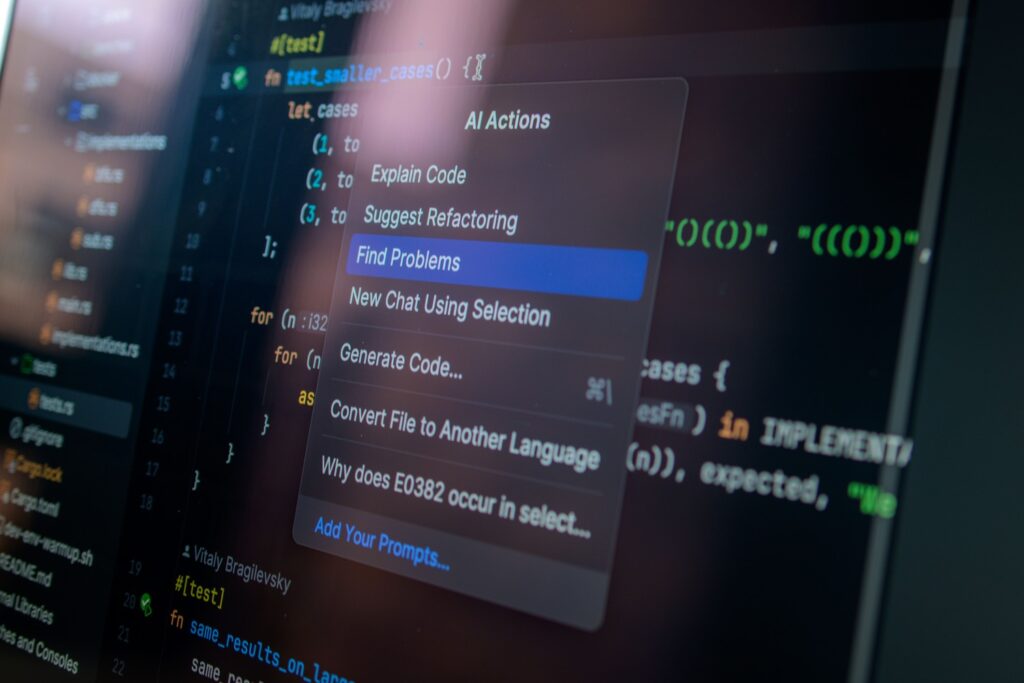
At one point the dropdown just refused to update when a user clicked the same option twice. I described the bug to the assistant and it threw back three theories: a shallow equality check silently blocking the update, a misfiring handler, or the option component passing the wrong value.
Turns out it was the first one causing React to essentially play dead. The fix was easy enough once I knew where to look. I found it, and I wrote it. It managed to give me three plausible directions instead of an empty console and a growing frustration, and then I investigated to get the right answer. And therein lies the honest value here: it points you at the likely causes, and then you go and find the real one.
The pitfalls of AI coding assistants
I want to push back on the usual AI-coding narrative here, because I think it undersells the actual risk.
Subtle pattern degradation
Ask most models for a UserProfile component and you’ll get heavy prop-drilling by default, when a senior engineer would reach for composition or a context provider without thinking twice. It works. It also quietly sets you up for unnecessary re-renders, and if nobody catches it, the codebase gets a little harder to reason about with every sprint that goes by. It’s death by a thousand small, defensible decisions, and it only shows up in hindsight. This is the architectural judgement that is becoming the core of the developer role.
Context drift
Assistants forget constraints as a feature grows. I’ve caught mine duplicating helpers across files and ignoring naming conventions I set five prompts earlier. Working with it can feel like working with a brilliant collaborator who has no short-term memory. Even the strongest prompts can’t always avoid that, so you have to keep your own eyes on the project structure, because the AI isn’t going to.
Muscle memory friction
I still hand-code something complex from scratch every so often, on purpose. The only way to know if the AI’s solution is actually good, versus just confident and wrong, is to still be sharp enough to build it yourself and compare. The engineers who stop doing this are the ones who’ll eventually ship something broken and not know why.
Why the balance matters
AI assistants are a force multiplier. Treating them as a substitute for judgment is how teams end up with codebases that work in the demo and fall apart in production. The engineers who’ll be worth the most over the next few years are the ones who know exactly what “good” looks like, well enough to spot the moment the AI drifts from it.
This is the standard we hold ourselves to in our agile delivery and product teams, where consultants work embedded inside client engineering teams. If you want engineers who know what good looks like working alongside yours, let’s talk.
Syafiq is a Lead Engineering Consultant at Restive, working embedded in client engineering teams on React and front-end platform work. He writes about engineering practice, AI-assisted development and code quality.
Frequently asked questions
What are the risks of using AI coding assistants?
The three biggest risks are pattern degradation, context drift and skill atrophy. Assistants default to patterns that work but scale badly, like heavy prop-drilling instead of composition. They forget constraints you set earlier in a long session, duplicating helpers and ignoring naming conventions. And engineers who stop hand-coding lose the ability to judge whether the AI’s output is good or just confidently wrong.
Should you write tests before or after prompting an AI assistant?
Before. Writing your own tests for the core behaviours first gives the assistant a defined boundary it cannot cross, and it forces you to decide what correct looks like on your terms rather than accepting the AI’s interpretation. Tests written after the fact tend to validate whatever the AI produced instead of what you actually needed.
Why does AI generated code create technical debt?
AI generated code is usually functionally correct and structurally poor. A working component often arrives with state handling, rendering, event logic and utility functions crammed into a single file. Every one of those decisions is individually defensible, which is what makes the debt hard to spot until the codebase is expensive to change.
Can AI coding assistants replace senior developers?
No. AI is strong at producing code and at generating plausible directions when you are stuck. It does not know what good architecture looks like for your codebase in six months, and it will not tell you when it has drifted from your standards. Knowing what to ask for and catching what is wrong when it comes back is the skill that matters most.
How do you debug code written by an AI assistant?
Describe the bug to the assistant and use it to generate hypotheses rather than fixes. On a dropdown that would not update on repeat selection, the assistant offered three theories: a shallow equality check blocking the update, a misfiring handler, or the wrong value being passed. The first was correct, but a human still had to investigate and confirm it.
Related articles


Real outcomes, for real Australian organisations.
How we built AI-powered personalisation and retail media for one of Australia’s largest supermarket chains.