Home ❯ Expert insights ❯ If users can’t use it, they’ll leave: A guide to digital accessibility
If users can’t use it, they’ll leave: A guide to digital accessibility
Accessibility issues often go unnoticed until they impact users and revenue. Learn how digital accessibility improves usability, supports WCAG standards, and helps your business grow.

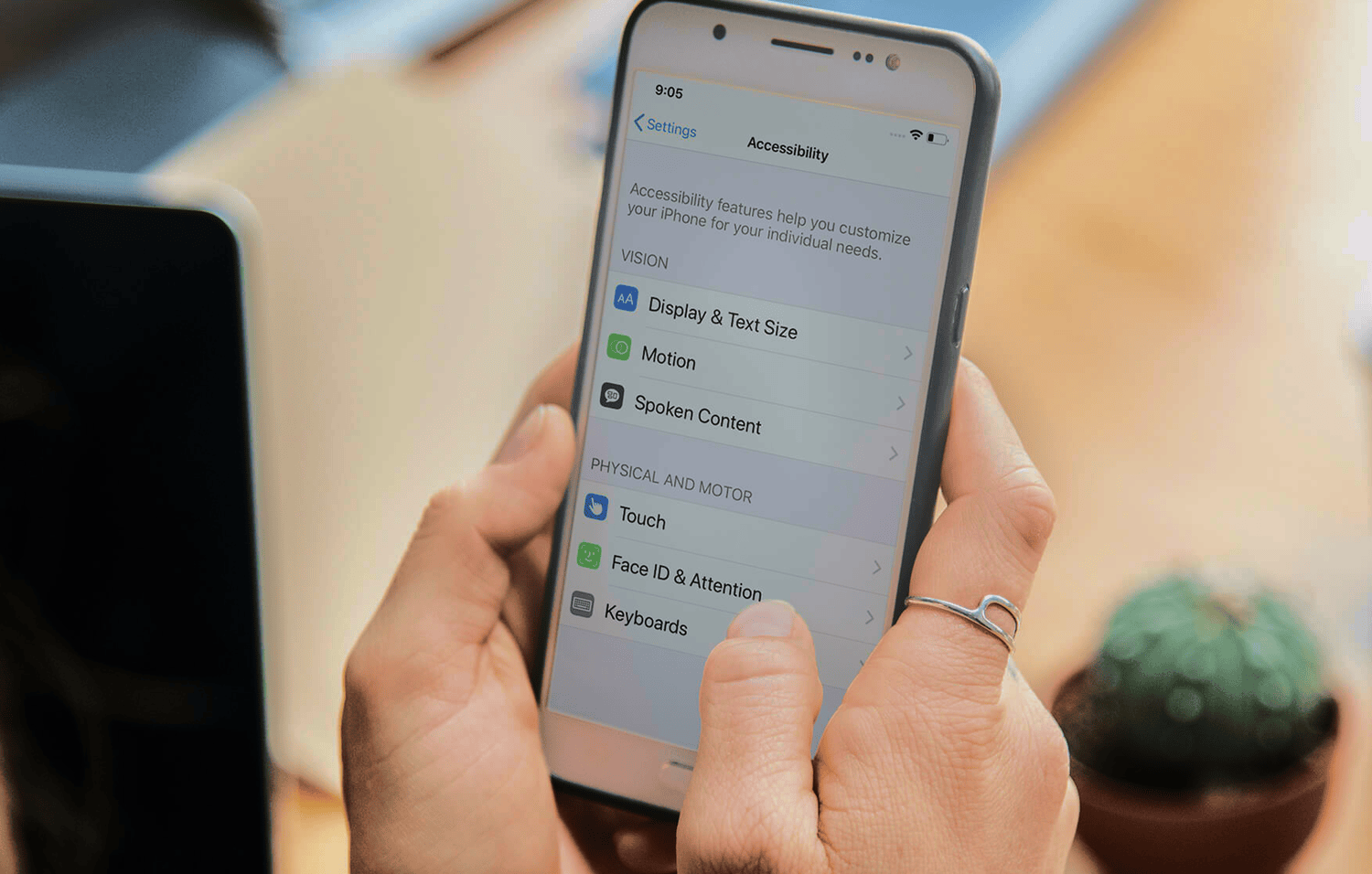
You know how captions have become the default on social media platforms like Reels or TikTok? They exist because people do not want to miss the message when audio is unclear or unavailable.
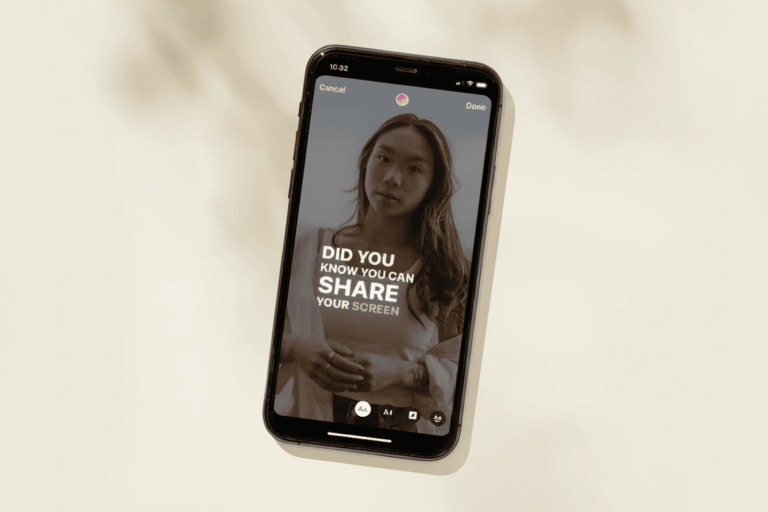
Accessibility applies that same mindset to your website or app.
If your digital content fails accessibility standards, users with disabilities will not complain. They will simply leave. For Australian businesses, that risk is significant – and increasingly, so is the regulatory one.
In February 2026, WebAIM scanned the top 1,000,000 home pages and found that 95.9% had detectable WCAG failures. Most of these were basic issues: for example, low-contrast text on 83.9% of pages, missing image alt text on 53.1%, and unlabelled form fields on 51%.
These are not “nice-to-have” improvements. They are the difference between a user completing a task or abandoning your product entirely.
If your website feels easy to use, that does not mean it is easy for everyone.
What is digital accessibility?
Digital accessibility is the practice of designing and developing websites, applications, and digital platforms that are usable by everyone, including people with permanent, temporary, or situational disabilities. A practical way to think about it is this: accessibility removes the mismatch between people and digital interfaces.
According to the World Health Organization, over one billion people globally live with some form of disability, representing approximately 16% of the population. Additionally, many users experience temporary or situational limitations, such as a broken arm, a noisy environment, or poor internet connectivity.
Inclusive design takes this further. By solving for one person’s barriers, you often improve the experience for many others.
Who does it benefit?
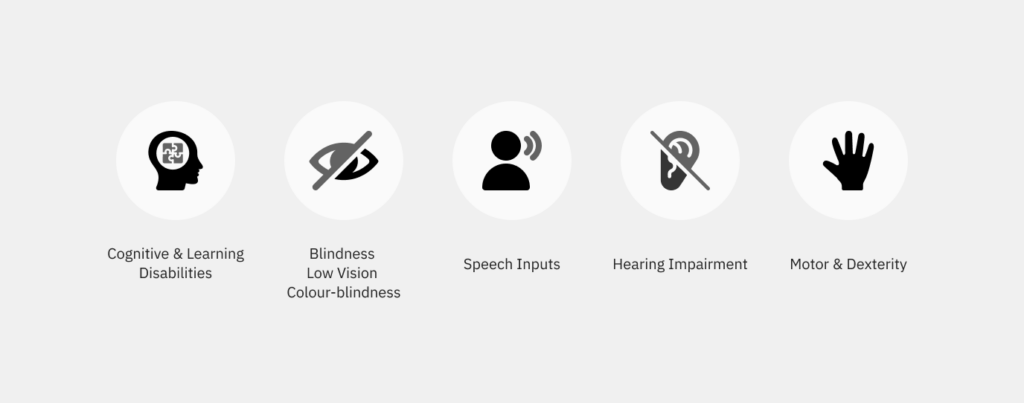
Accessibility addresses a broad range of user needs: from people who are blind or have low vision, to those who are deaf or hard of hearing, have mobility limitations, speech impairments, cognitive disabilities, or neurodivergent needs.
It also supports people experiencing:
- Temporary impairments (e.g. a broken arm, temporary hearing loss).
- Situational limitations (e.g. using a device in bright sunlight, or one-handed while holding a child).
- Age-related changes (e.g. reduced contrast sensitivity, motor control, or memory).
Accessibility is not about designing for a niche group. It is about designing for real-world diversity.
The global standard: WCAG and the POUR principles
The internationally recognised standard for digital accessibility is the Web Content Accessibility Guidelines (WCAG) 2.2, developed by the World Wide Web Consortium (W3C).
Principles of digital accessibility
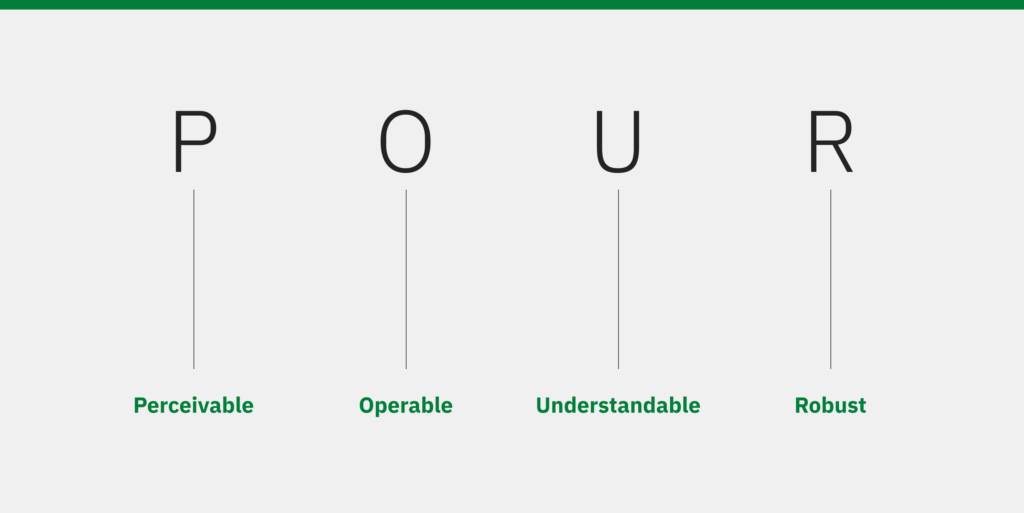
WCAG is built on four core principles, known as POUR:
- Perceivable: Information and user interface components must be presented in ways users can perceive – this includes providing text alternatives for non-text content, captions for audio, and ensuring content is distinguishable (e.g. sufficient colour contrast).
- Operable: User interface components and navigation must be operable by all users. This includes allowing keyboard navigation, providing enough time to read and use content, and avoiding content that could trigger seizures.
- Understandable: Information and the operation of the user interface must be understandable. This includes clear instructions, predictable navigation, and readable text content.
- Robust: Content must be robust enough to be interpreted reliably by a wide variety of user agents, including assistive technologies. This ensures compatibility with current and future technologies.
In practice, this means implementing features such as alt text, captions, labelled form fields, and keyboard navigation. Importantly, these improvements benefit all users. For example, captions help users in noisy environments, while clear, descriptive form labels and instructions make it easier for people to complete tasks on mobile devices. Accessible design improves usability for everyone, not just people with disabilities.
The importance of considering digital accessibility in business
Accessibility is not just ethical. It is commercially essential.
A study of UK web users found that 71% of users with disabilities will leave a website that is inaccessible, resulting in lost revenue and missed engagement opportunities. For Australian businesses, the picture is no different – and with over 4.4 million Australians living with disability (ABS, 2022), the audience you are failing to reach is not a niche.
On the other hand, accessible websites tend to perform better in search rankings, as both screen readers and search engines rely on well-structured, semantic content. Organisations that prioritise accessibility see it not as a cost, but as a strategic advantage. It enhances customer experience, strengthens brand trust, and supports long-term growth.
Standards and expectations
WCAG 2.2 is the most widely used standard for web content accessibility. It is organised under four principles (Perceivable, Operable, Understandable, Robust) and testable success criteria at Levels A, AA, and AAA. WCAG also notes it is intended to be evaluated with a mix of automated testing and human evaluation.
Legal expectations vary by region.
- In the EU, Directive (EU) 2019/882 applies from June 2025 to various digital products and services (including e-commerce, and certain elements of transport services like websites and mobile services).
- In the U.S., the ADA applies to public-facing digital services, with compliance deadlines extending to 2027.
- In Australia, the AHRC’s 2025 Guidelines are designed to help organisations meet obligations under the Disability Discrimination Act when providing digital goods and services.
Overall, accessibility is increasingly becoming both a regulatory requirement and a business expectation.
What can businesses do?
Audit and assess
Start with an accessibility audit to identify barriers across your digital products. Use a mix of automated tools, manual testing, and testing with users with diverse needs.
Prioritise improvements
Develop a roadmap to address high-impact issues first, and progressively improve across all platforms.
Shift left
Consider accessibility from the beginning: it is more efficient and cost-effective than retrofitting. Build it into your design and development workflows.
- Design: Use accessible colour contrast, font sizes, and intuitive layouts. Include accessibility annotations in design files.
- Content: Use clear, simple language. Structure content with headings and lists. Provide alt text and transcripts.
- Research: Test with users who have diverse needs and use assistive technology.
- Development: Use semantic HTML, ARIA labels where appropriate, and ensure keyboard and screen reader compatibility.
- QA and delivery: Include accessibility criteria in acceptance testing. Train QA teams to spot and report common issues.
Upskill your team: Offer accessibility training for designers, content authors, and developers to embed inclusive practices into everyday work.
Accessibility as innovation
Many widely adopted features today – such as voice assistants, dark mode, and captions – originated from accessibility needs. When we approach accessibility as part of the core experience rather than a constraint, it pushes us to think more critically, uncover unmet needs, and create products that are not only inclusive, but genuinely better for all users.
How Restive helps
At Restive, we deliver end-to-end accessibility support to help teams design, build and maintain inclusive digital experiences:
Accessibility audits and assessments
We conduct comprehensive automated and manual reviews of your website or app, identifying WCAG gaps alongside real user barriers and prioritising what to address first.
Inclusive design consulting
We embed accessibility from the outset – shaping design systems, research approaches and decision-making frameworks that consider the full spectrum of users.
Training and workshops
We upskill teams in practical accessibility – from WCAG standards and assistive technologies to inclusive content practices – so accessibility becomes part of everyday delivery.
Remediation and implementation support
We work alongside your team to resolve issues end-to-end, from improving code semantics and labels to refining contrast, navigation and interactions, supporting a clear path to compliance.
These services aren’t one-off. Accessibility is an ongoing commitment. We work collaboratively, providing a roadmap of improvements and supporting your continuous journey.
Why partner with us
Restive combines deep technical expertise with a client-centric approach. We’ve helped organisations across industries make their digital experiences more inclusive. Our work is grounded in WCAG standards and real user insights, ensuring that every improvement delivers measurable outcomes. We focus on practical impact: each fix or design change directly improves how users interact with your site.
Partnering with us means long-term support; we don’t just fix issues and leave. Instead, we train your team, help embed accessibility into your culture, and adapt as standards evolve.
Our goal is simple: build trust with your audience by ensuring everyone can access and use your digital services.
Accessibility is not a checkbox. It is a catalyst for better digital experiences and sustainable growth.
By prioritising accessibility, businesses can unlock broader audiences, improve usability, and build trust with their users.
Ready to audit your site for WCAG compliance? Talk to our accessibility team.
Frequently asked questions
Is digital accessibility legally required in Australia?
Yes – and the obligations are strengthening. Under the Disability Discrimination Act 1992 (DDA), Australian organisations – both public and private sector – must not discriminate against people with disability in how they provide digital goods and services. The Australian Human Rights Commission (AHRC) updated its guidelines in 2025 to align with WCAG 2.2 AA, and those guidelines now explicitly cover websites, mobile apps, AI-powered tools, and internal-facing systems. While there is no single prescriptive accessibility law in Australia (unlike the EU or US), non-compliance carries real legal exposure under the DDA.
What is WCAG and which version should I be following?
WCAG stands for Web Content Accessibility Guidelines – the international standard for digital accessibility, developed by the W3C. It is organised into three levels: A (minimum), AA (standard), and AAA (enhanced). WCAG 2.2 AA is the current benchmark recommended by the AHRC and should be your target. Most automated scans test against these criteria, but a thorough audit requires manual testing and user testing with assistive technologies as well.
How do I know if my website has accessibility issues?
Start with a free automated scan using tools like WAVE or Lighthouse (built into Chrome). These will surface common issues like missing alt text, low contrast, and unlabelled form fields. However, automated tools catch only around 30-40% of accessibility barriers – a full audit combining manual review and testing with real users is necessary to get an accurate picture.
How much does an accessibility audit cost?
It depends on the size and complexity of your digital product. A focused audit of a business website typically starts from a few thousand dollars. Larger platforms with complex interactions, multiple user flows, or app components will cost more. The more important comparison is the cost of not acting: inaccessible products lose users, create legal exposure, and require more expensive remediation the longer issues go unfixed.
Can fixing accessibility issues hurt my website's performance or design?
No – when done well, accessibility improvements typically enhance performance and design for all users. Better heading structure improves both screen reader navigation and SEO. Sufficient colour contrast improves readability in all conditions. Properly labelled forms reduce errors for every user. Accessibility and good UX are more complementary than they are in conflict.
Related articles